Stop losing hourshunting for materialsfor your projects.
Plugin for SketchUp and Revit. Products 100% configured for Enscape, V-Ray and AI.


 +10 yearsin business
 +22,0003D materials and products
 +80,000Registered users
 +9Countries
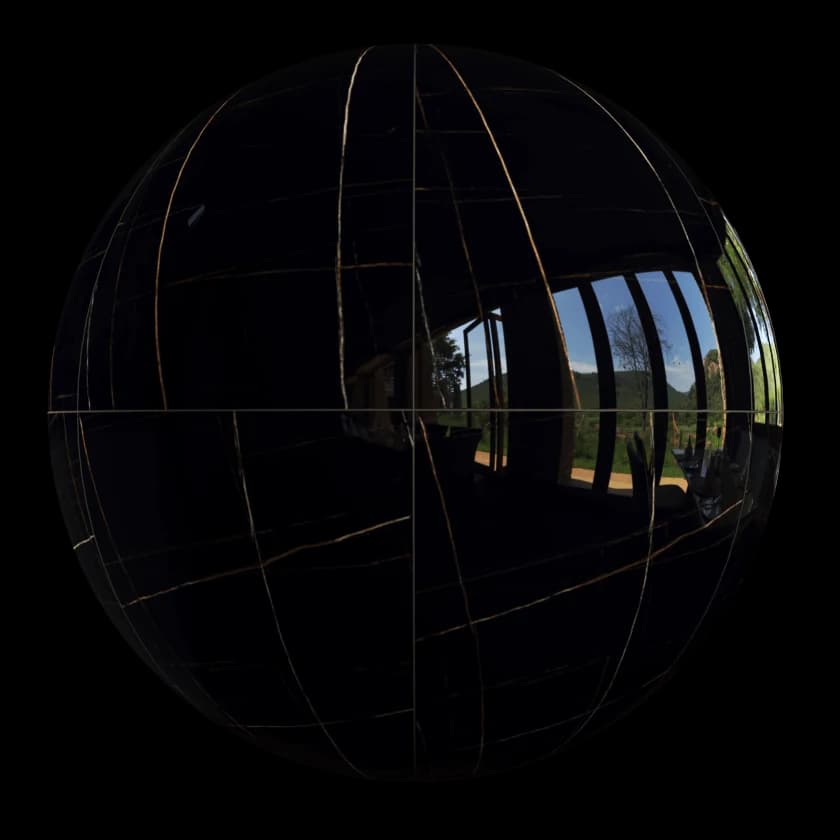
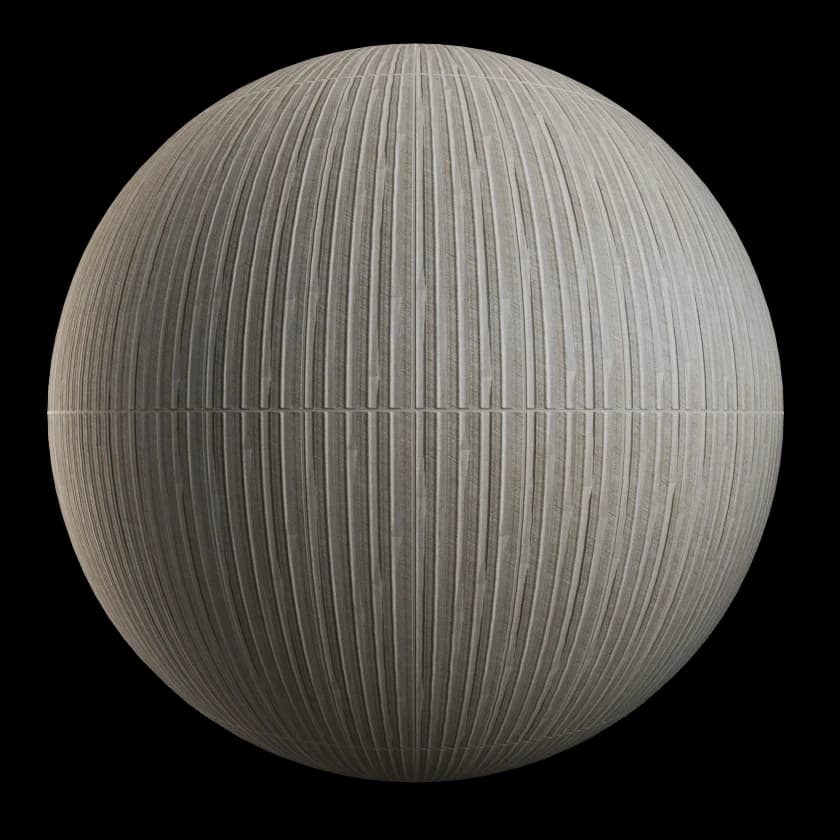
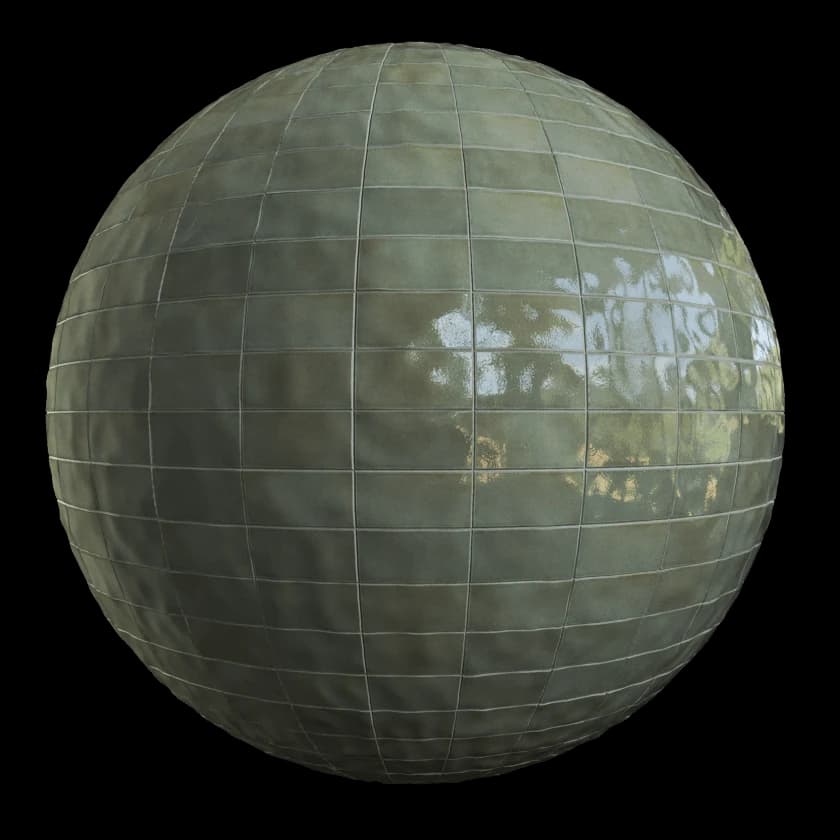
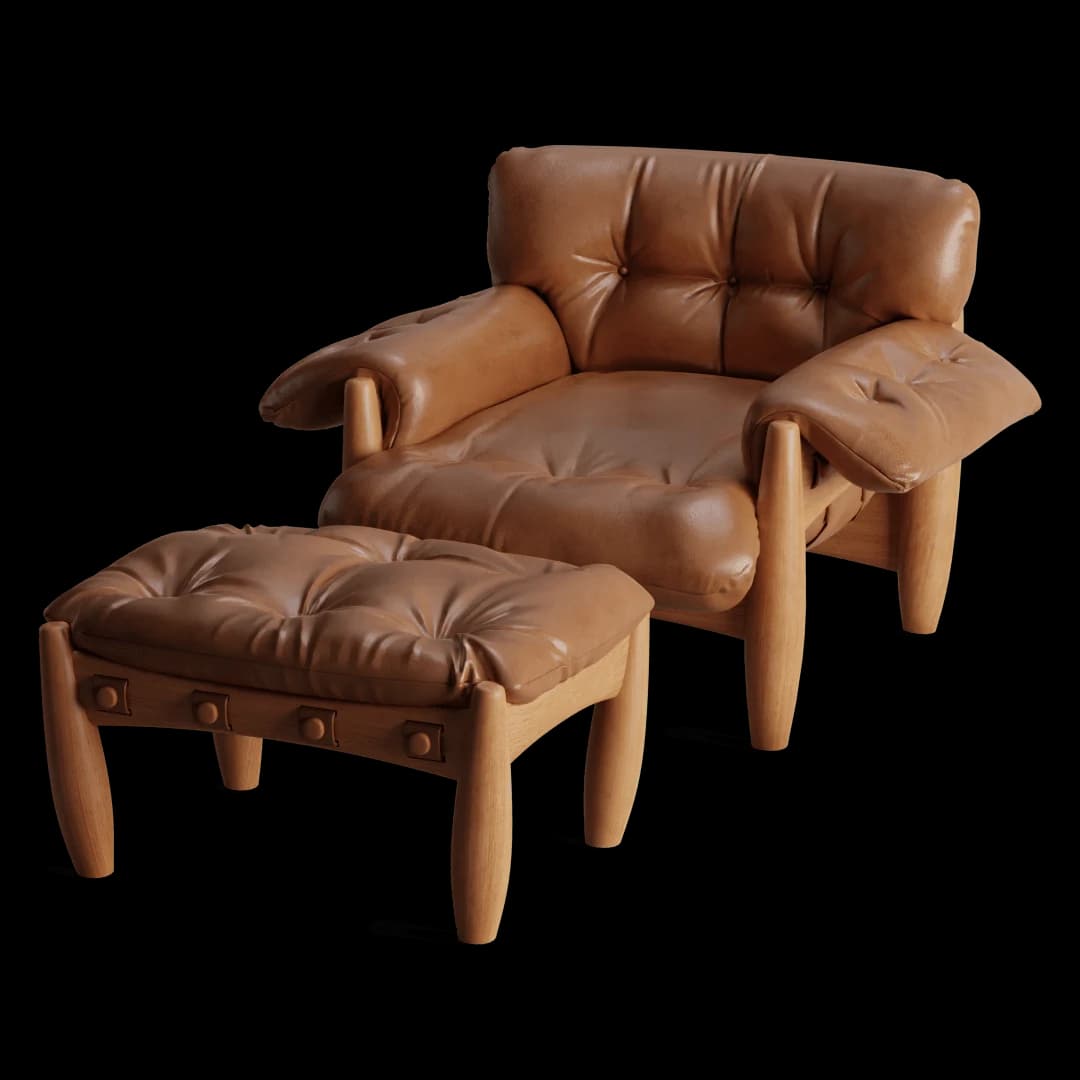
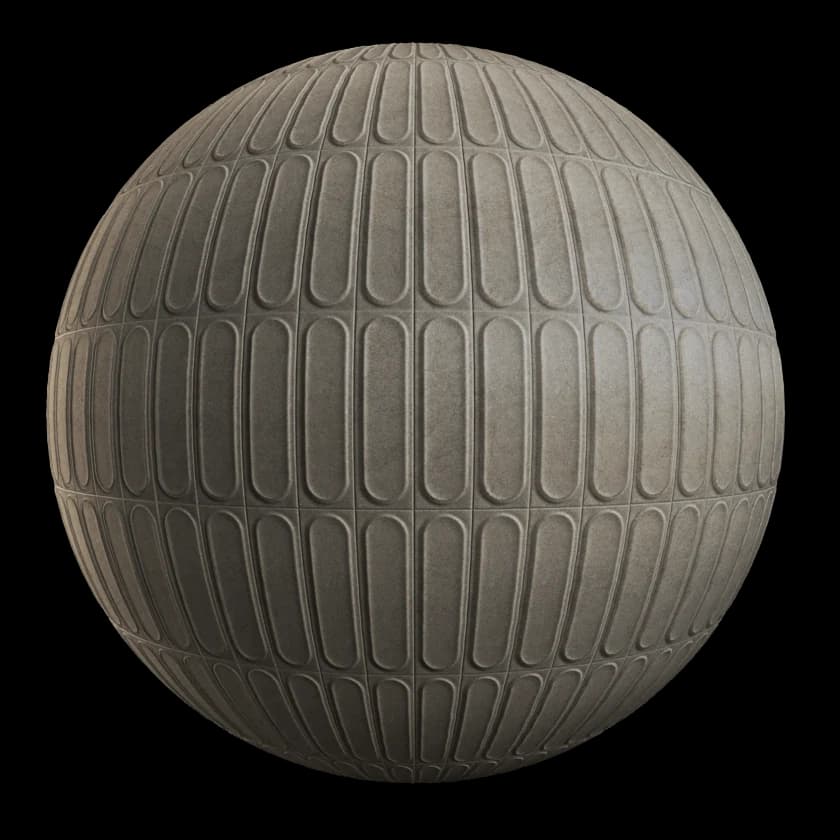
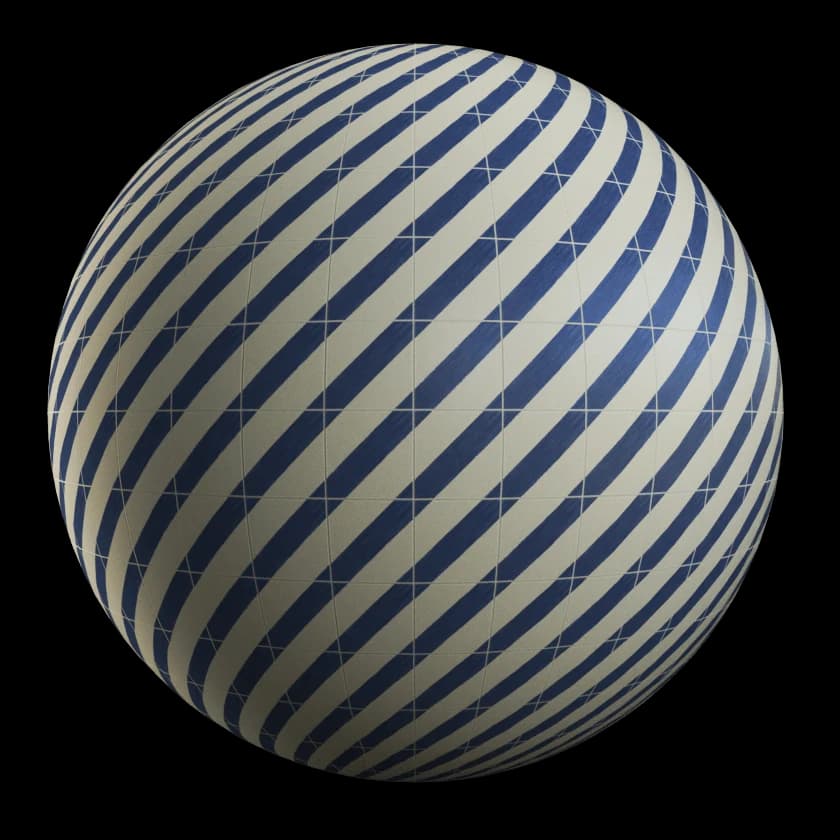
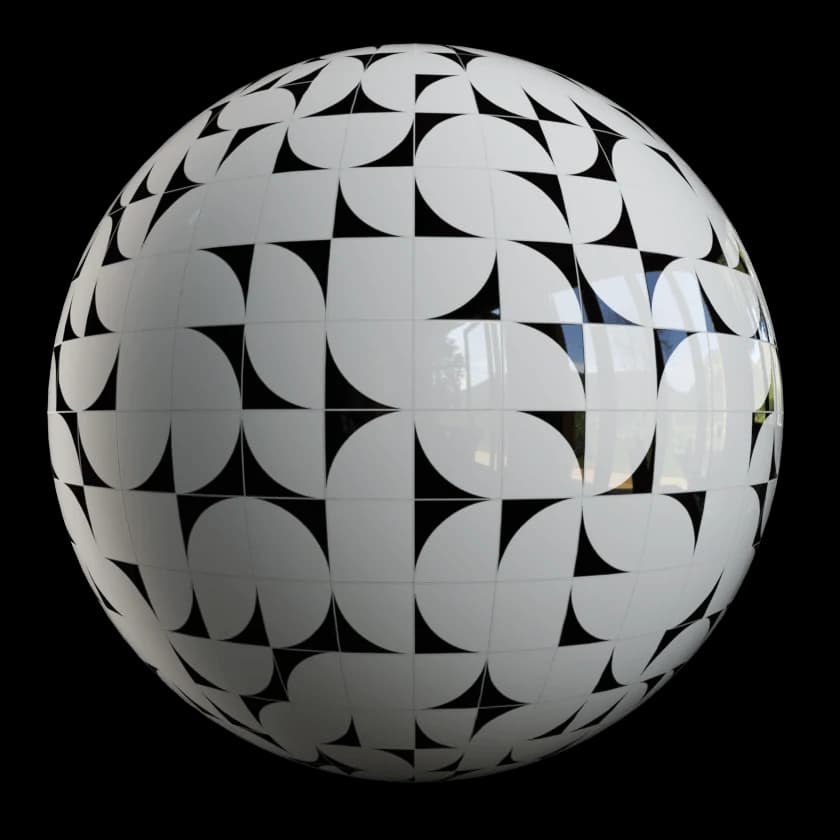
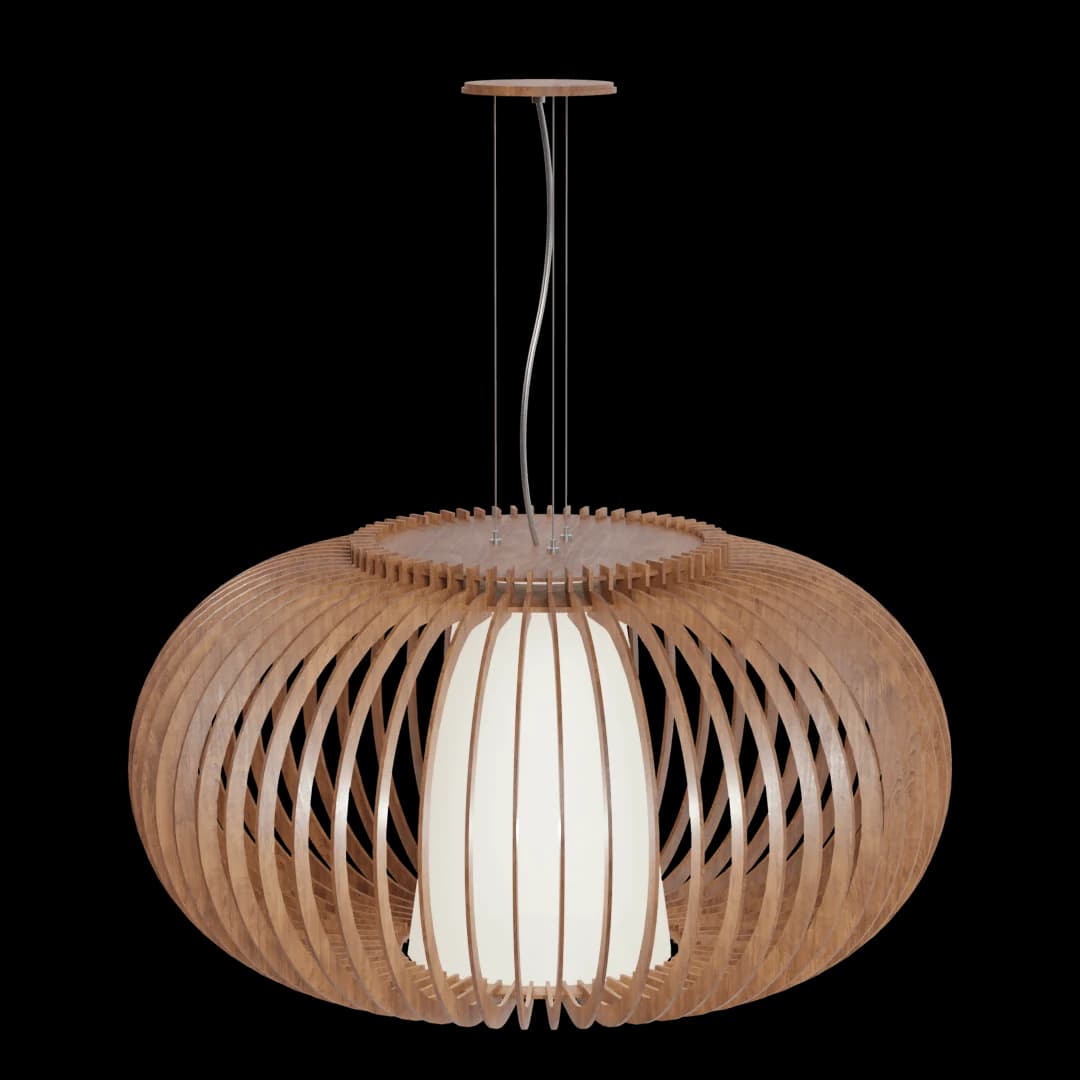
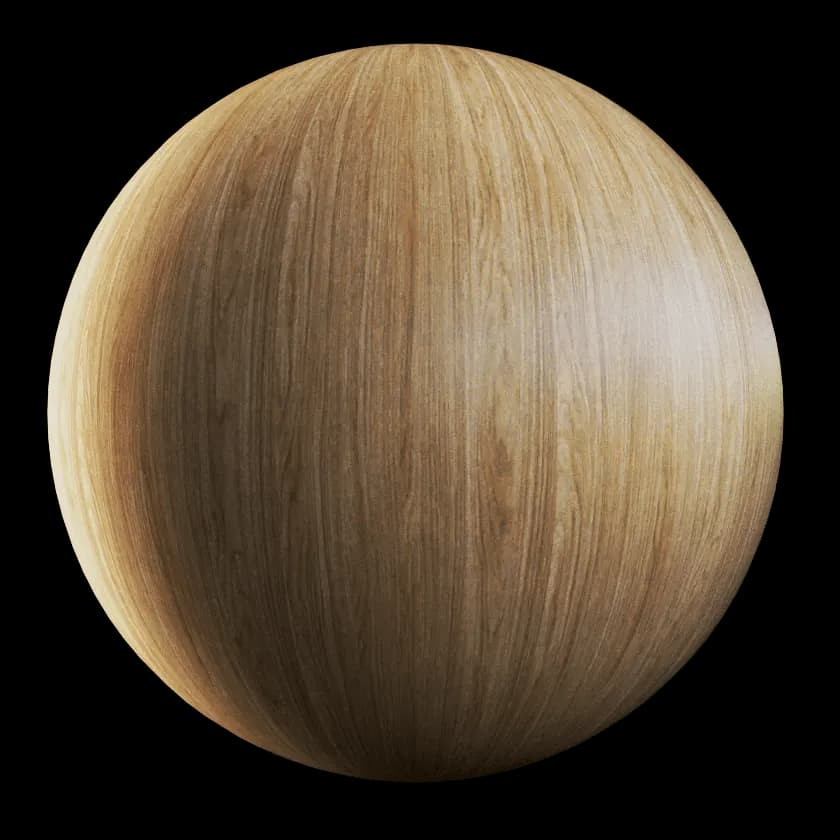
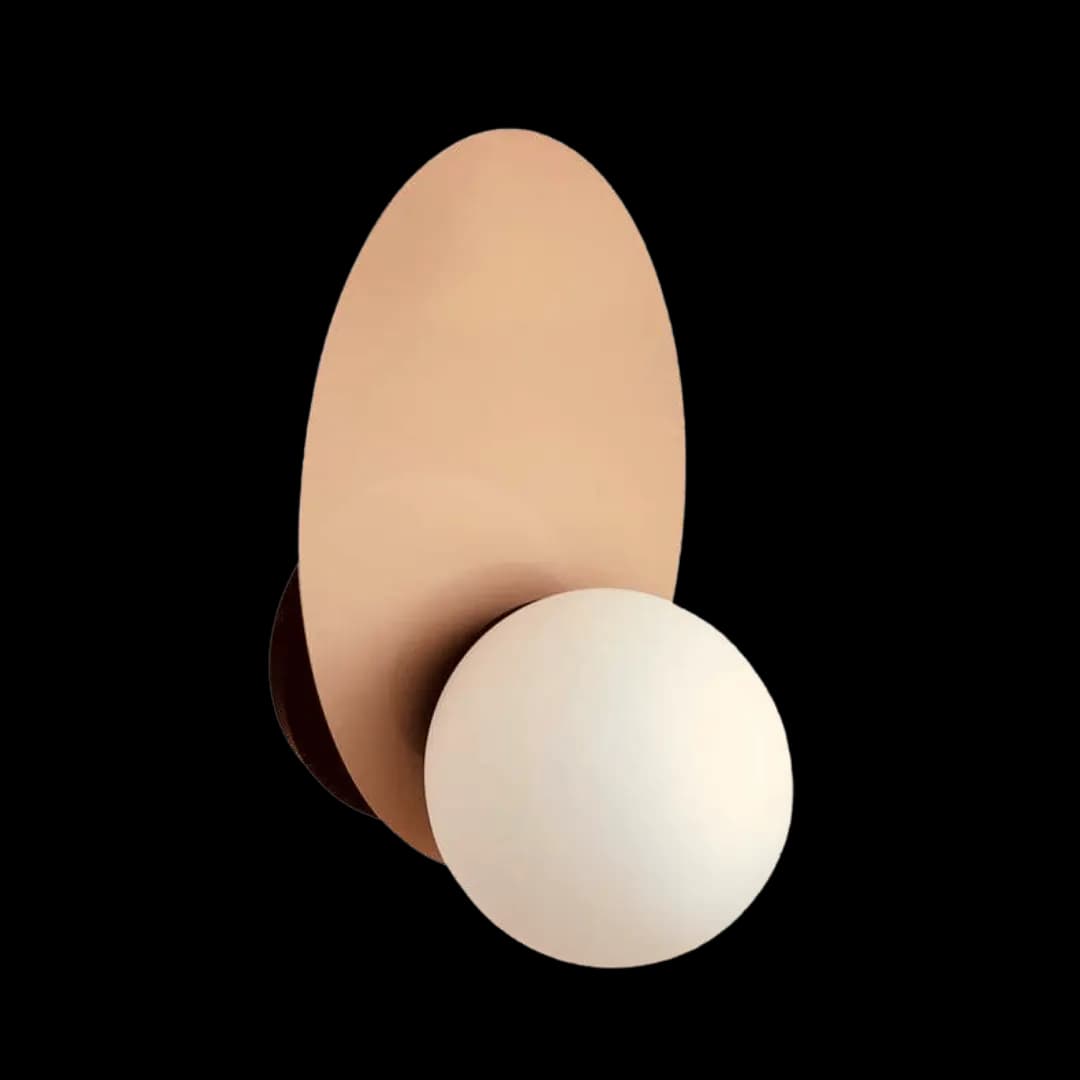
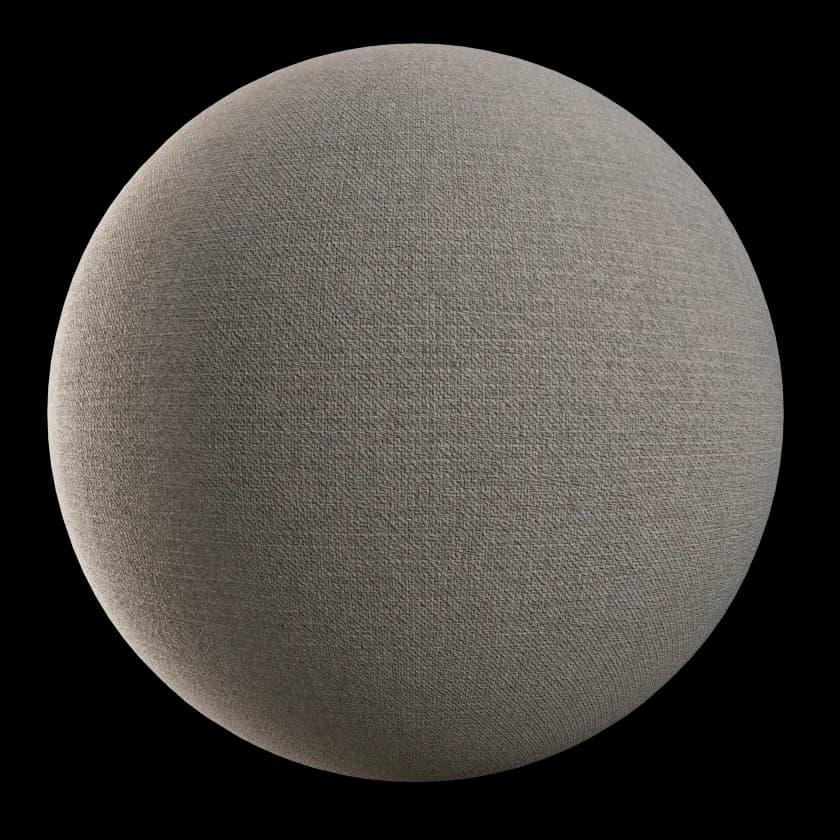
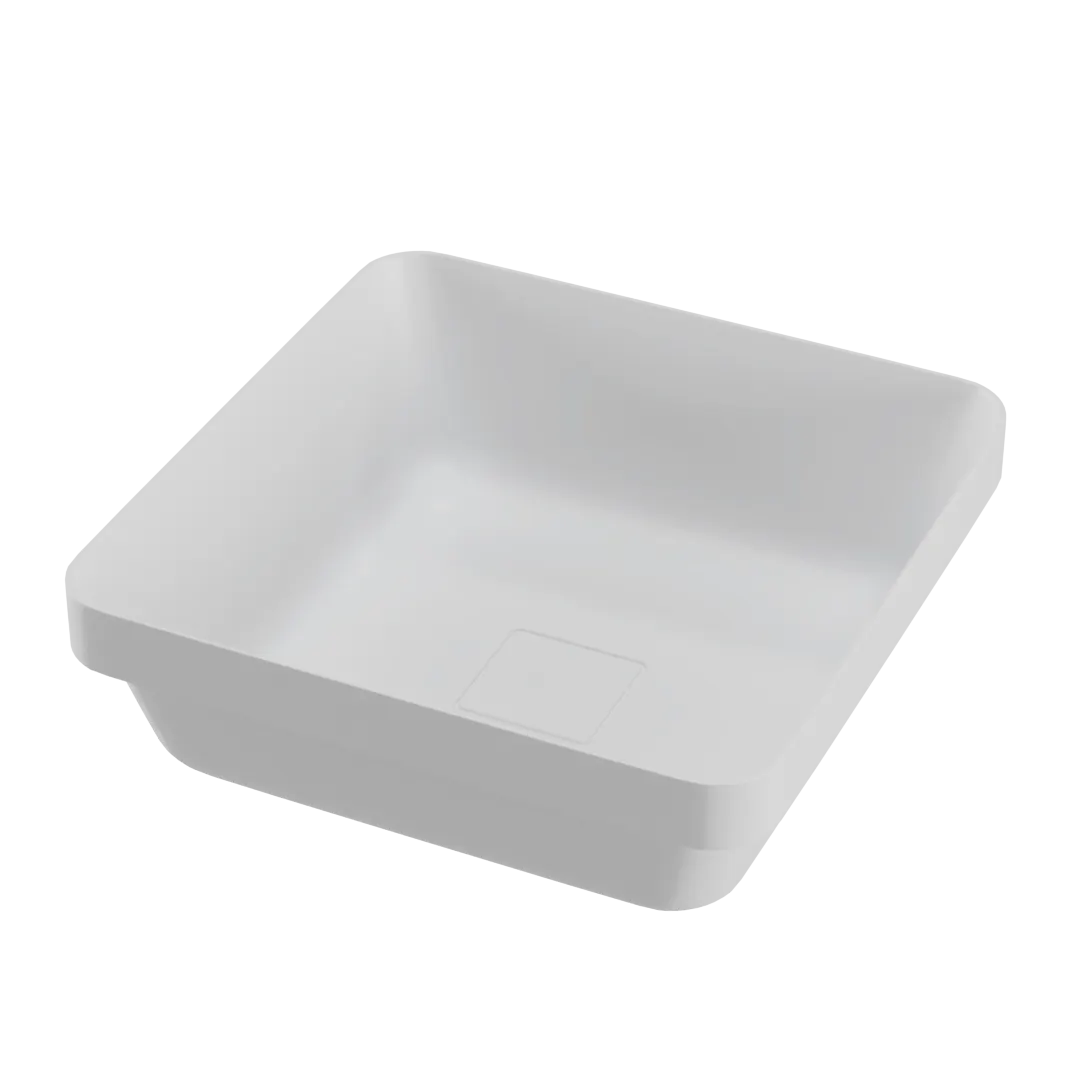
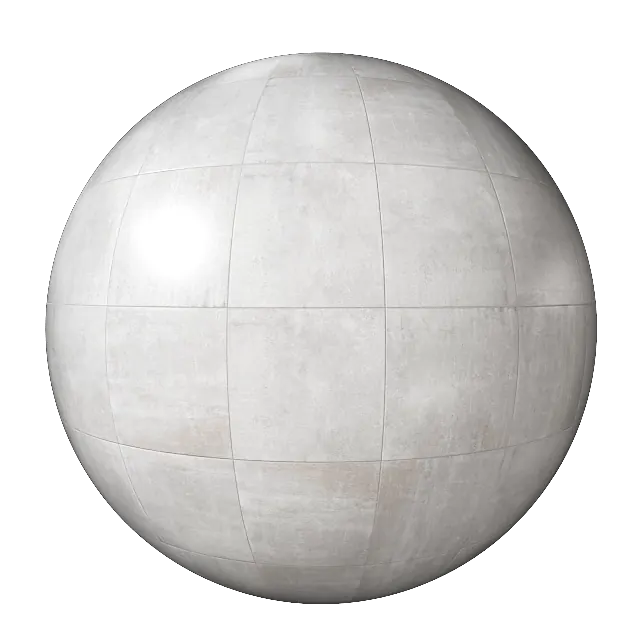
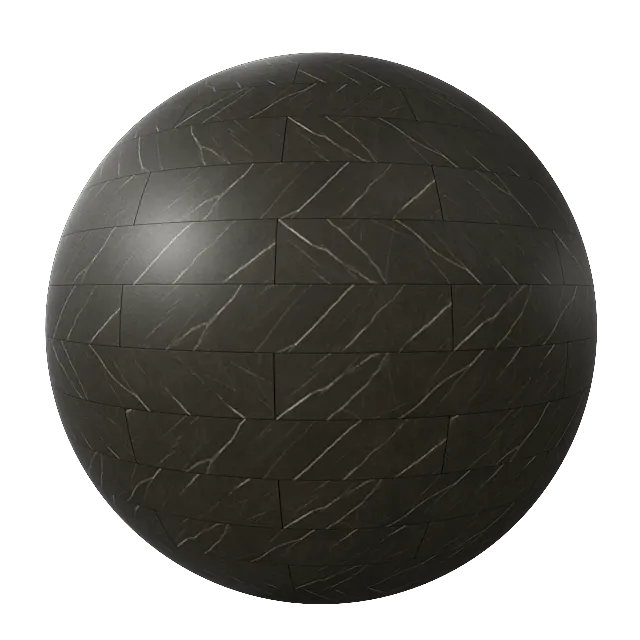
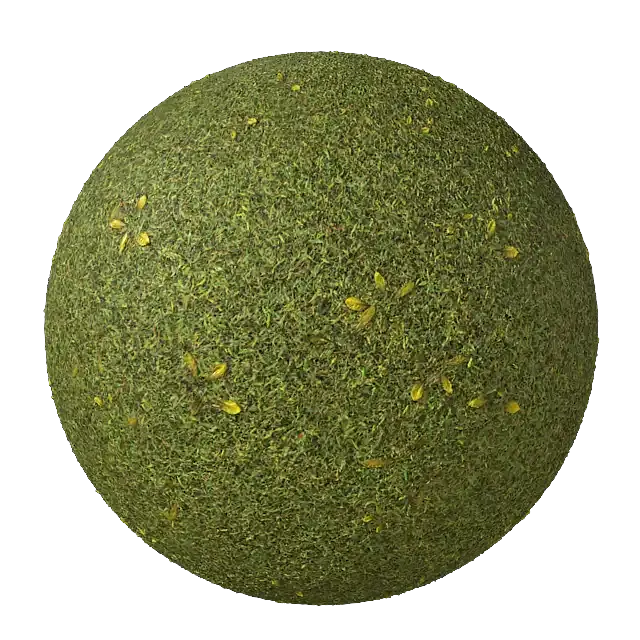
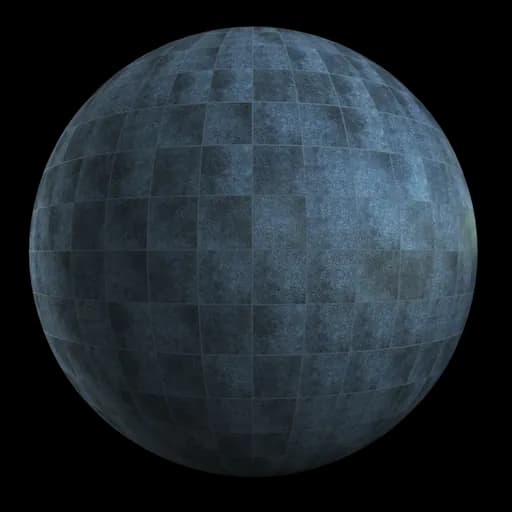
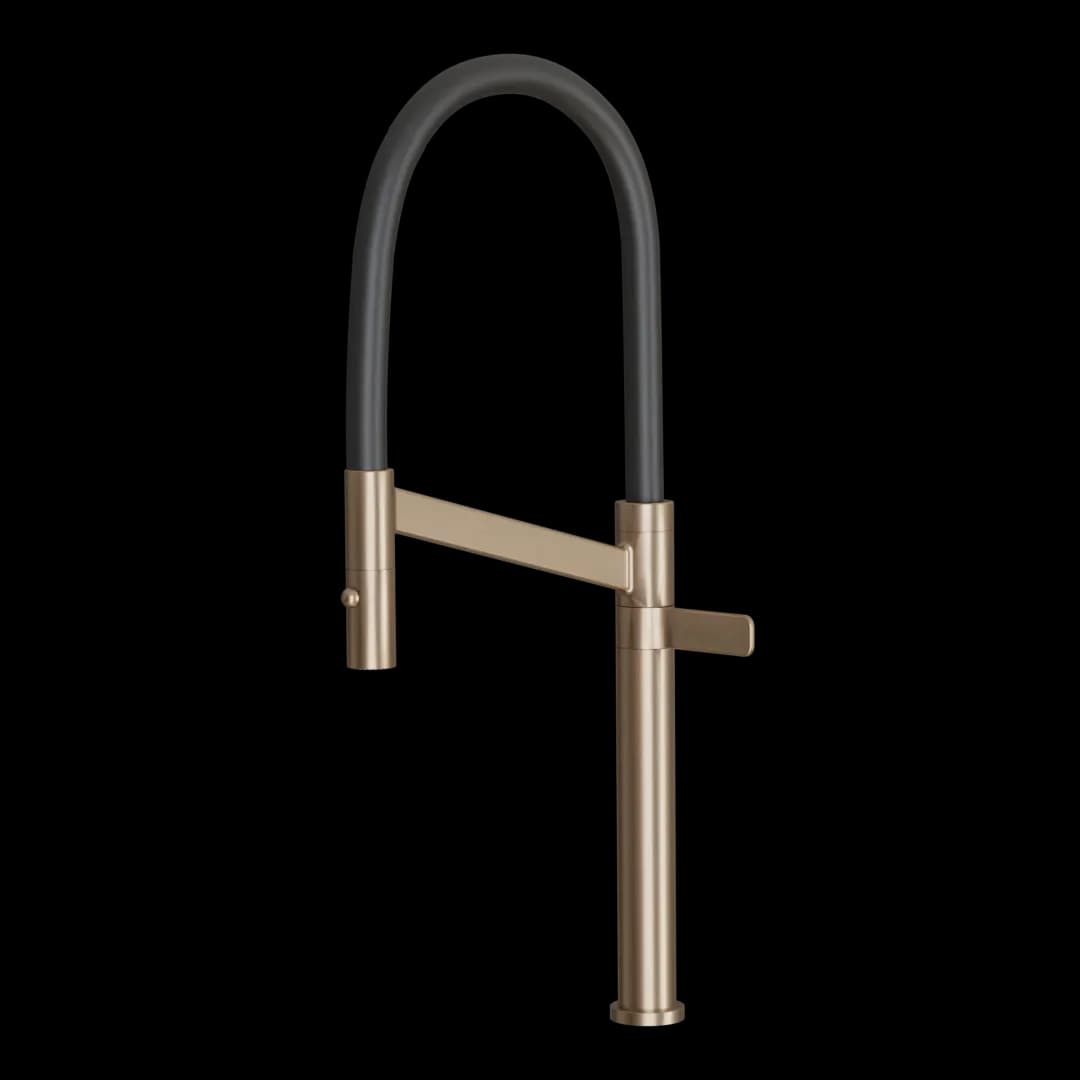
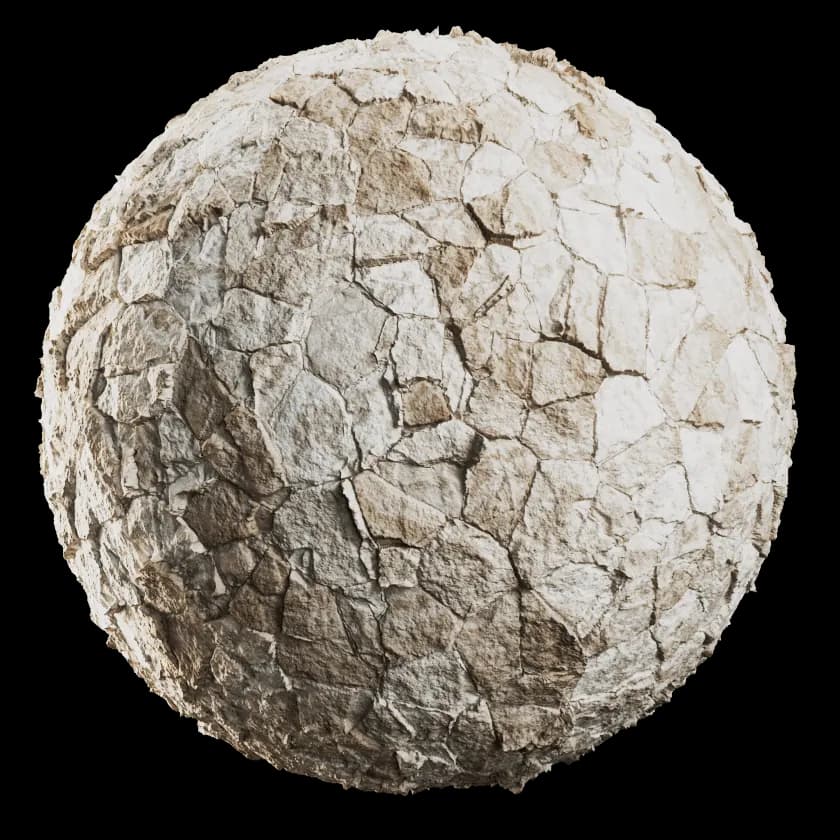

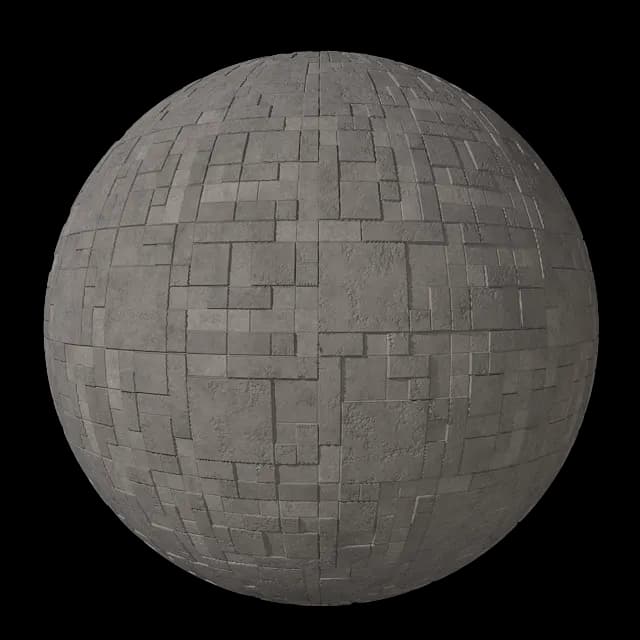

We know how painful it is to find a reference on Pinterest, say, and then spend hours digging through dozens of catalogs for a real material that looks like the photo.
Sound familiar?
Googled: “seamless porcelain tile texture”
Applied it. The 120×120 tile turned into mosaic. Eyeball the scale, measure, adjust again.
Rendered: plastic. Reflection, bump, roughness, IOR… the render looks right around midnight.
“Which tile is that?”
The client approved. Pointed at the floor. And the answer was: “it’s… a texture I found.”
That’s why Collection was born. Thousands of products from real brands, ready to use in your design software — SketchUp, Revit, Archicad — with materials and blocks ready and configured to render with V-Ray, Enscape and AI.

+10 years
in business

+22,000
3D materials and products

+80,000
Registered users

+9
Countries
🏆 World's largest
See how the product will look in your project
+22,000 materials and products. Download now
“Material isn’tJUST a finish.It’s the design”
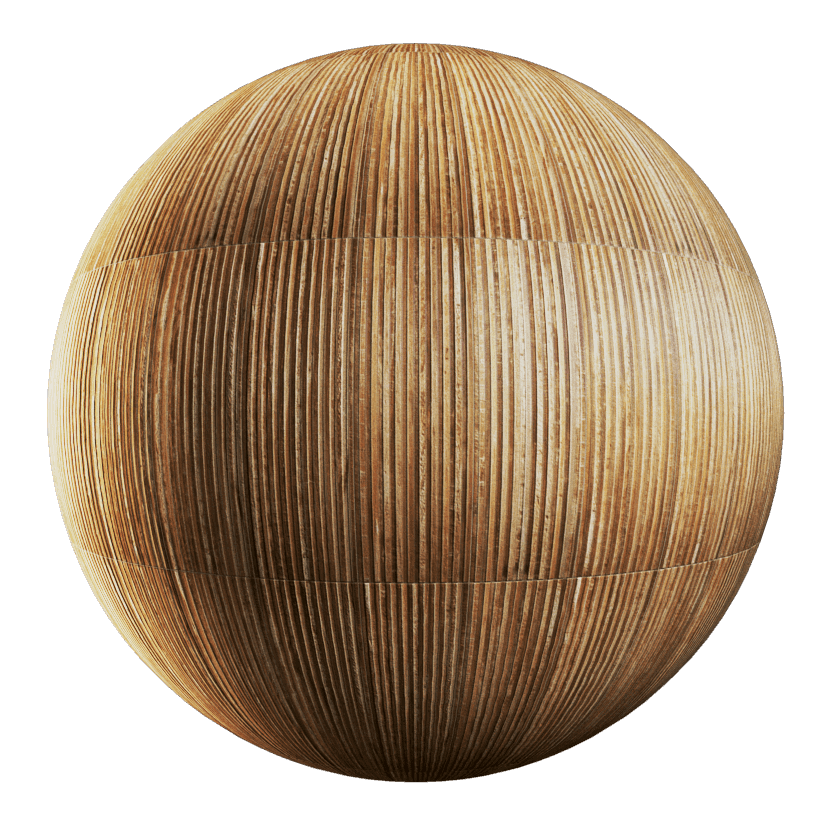
Nobody approves a gray volume. The client decides the moment they see the wood grain, the sheen of the tile, the coldness of the concrete — material is the language you both speak.
Light in a render only works when it lands on a real surface. And a project only leaves the drawing board when the material has a brand, a line and a format — not “a texture I found”.
Search. Apply. Render.
( 1 ) Search
Type “calacatta porcelain 120x120” — or drop in a Pinterest screenshot. Collection finds it among 22,000+ without you leaving SketchUp.
( 2 ) Apply
One click. The material lands in your model with a high-resolution texture at the right scale — 120×120 is 120×120.
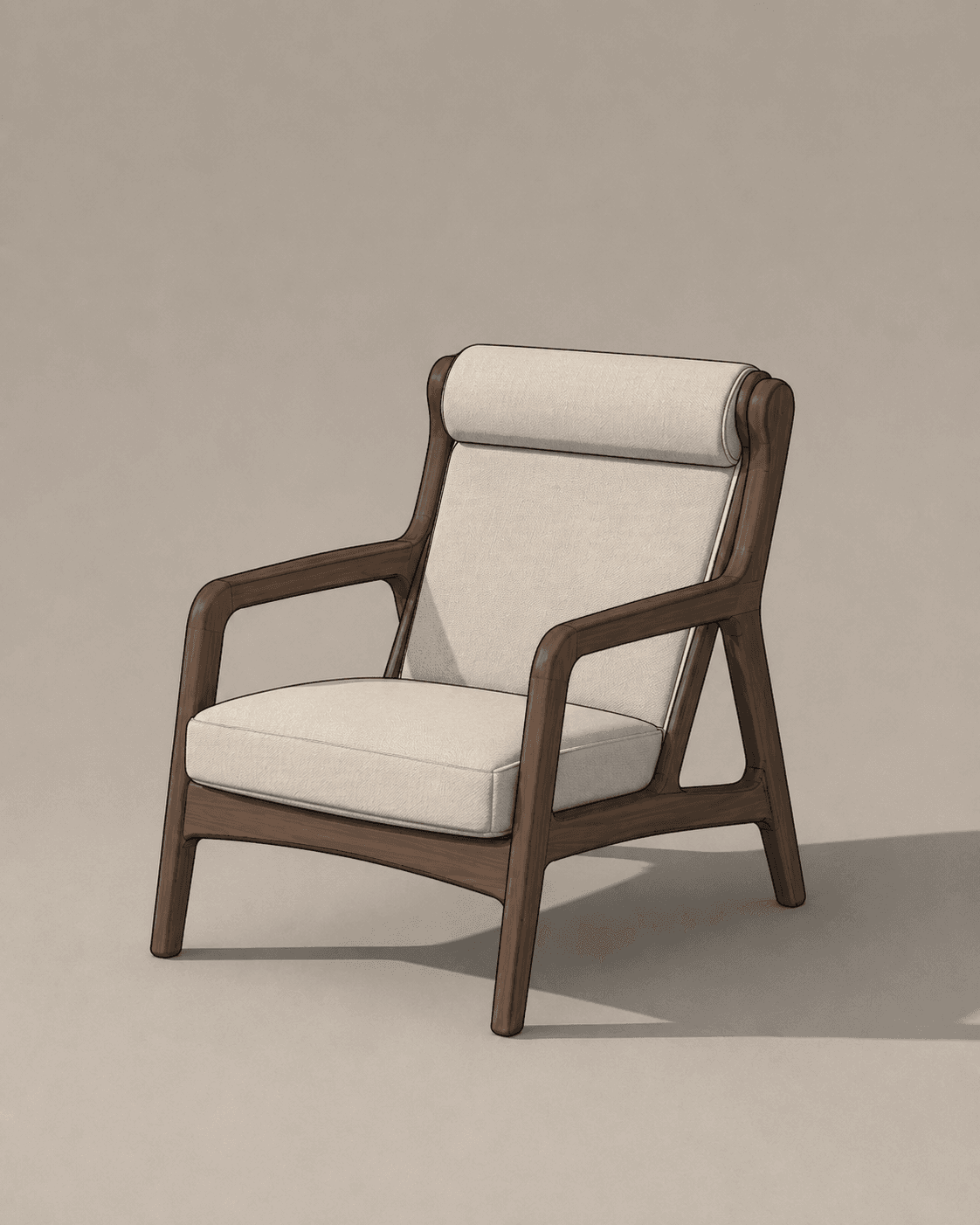
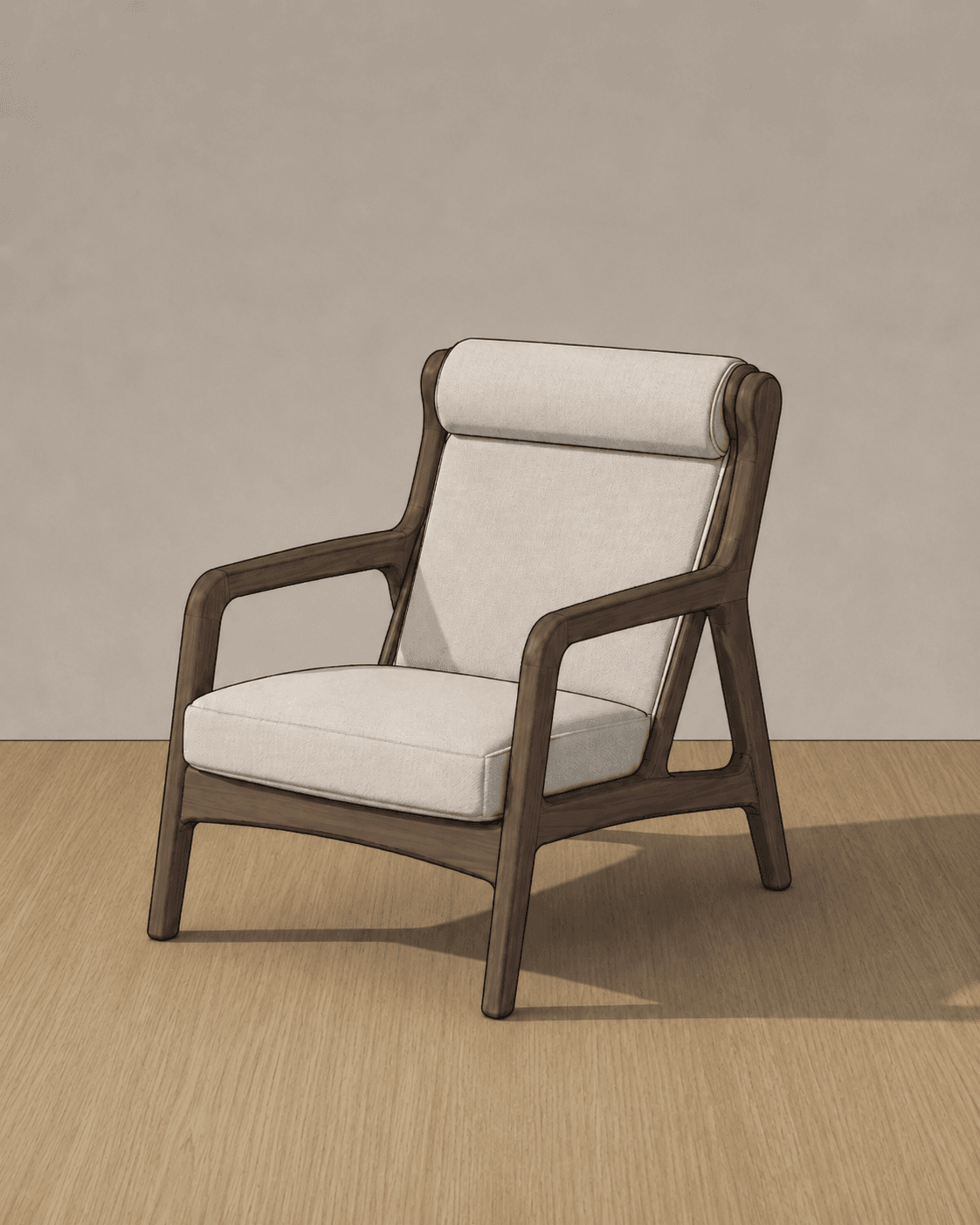
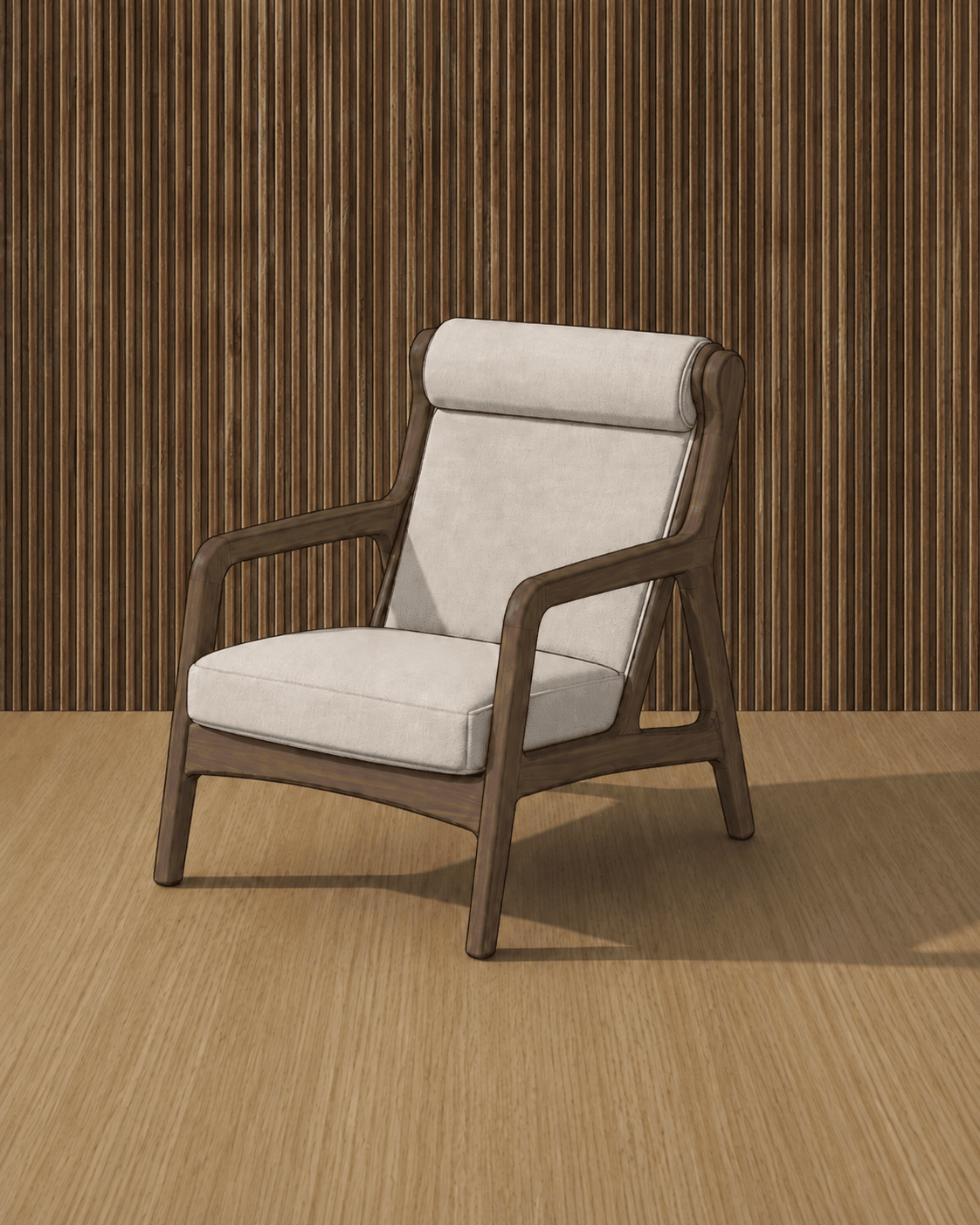
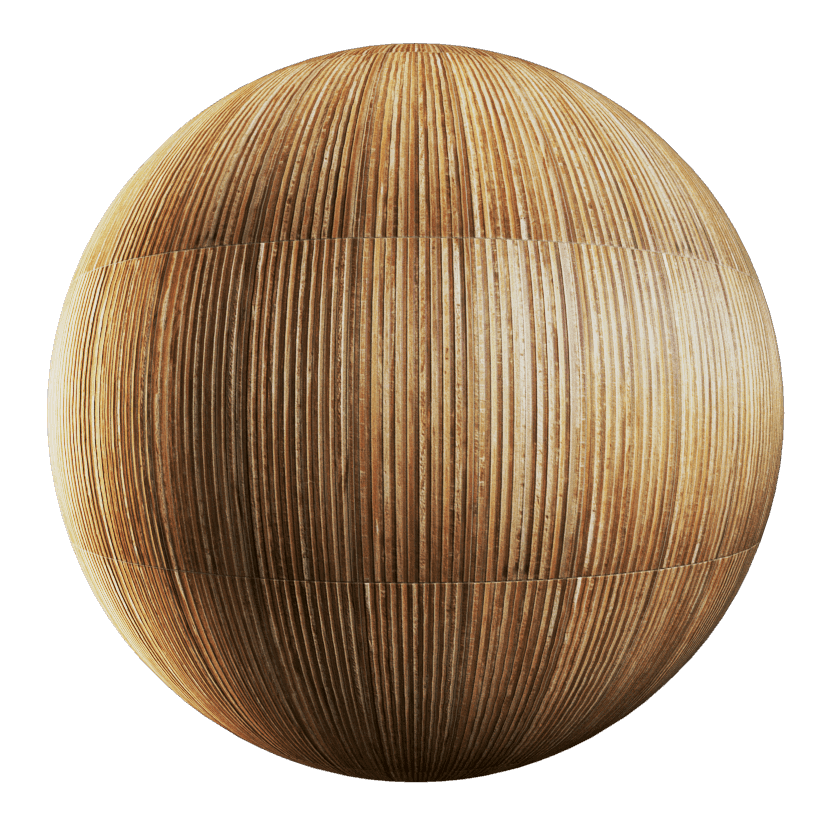
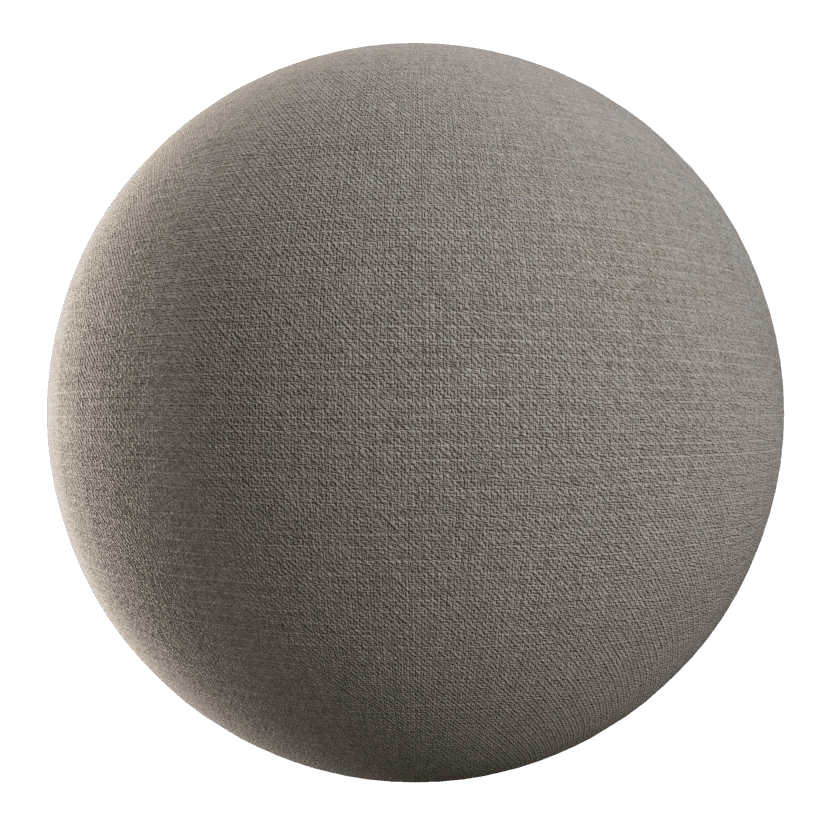

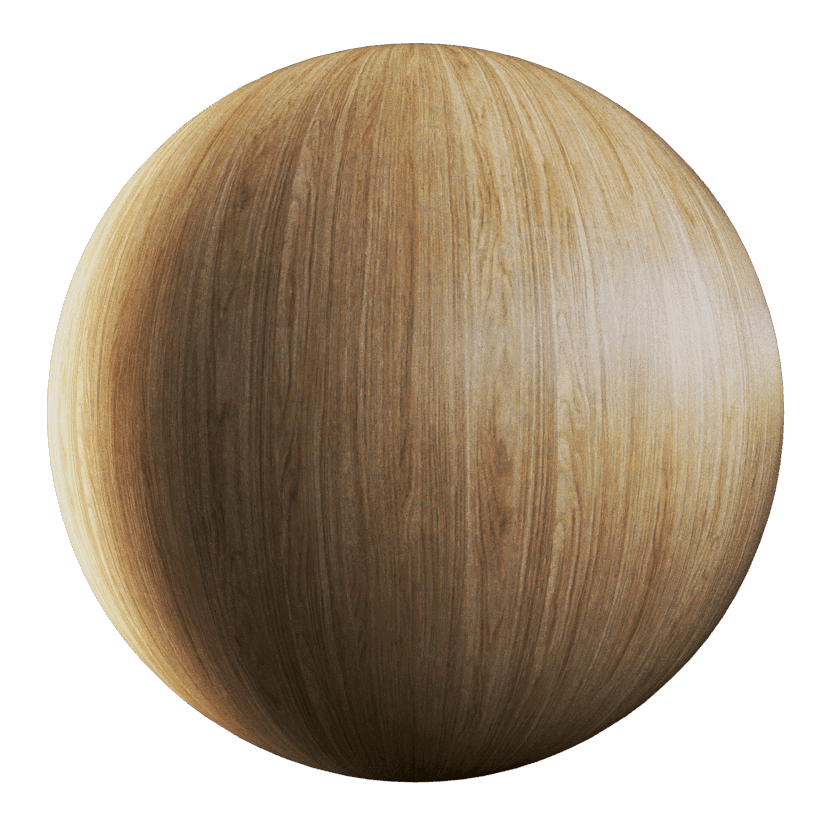
( 3 ) Render
V-Ray or Enscape: the material comes pre-configured. Reflection, bump, roughness — all in place. You just hit render.
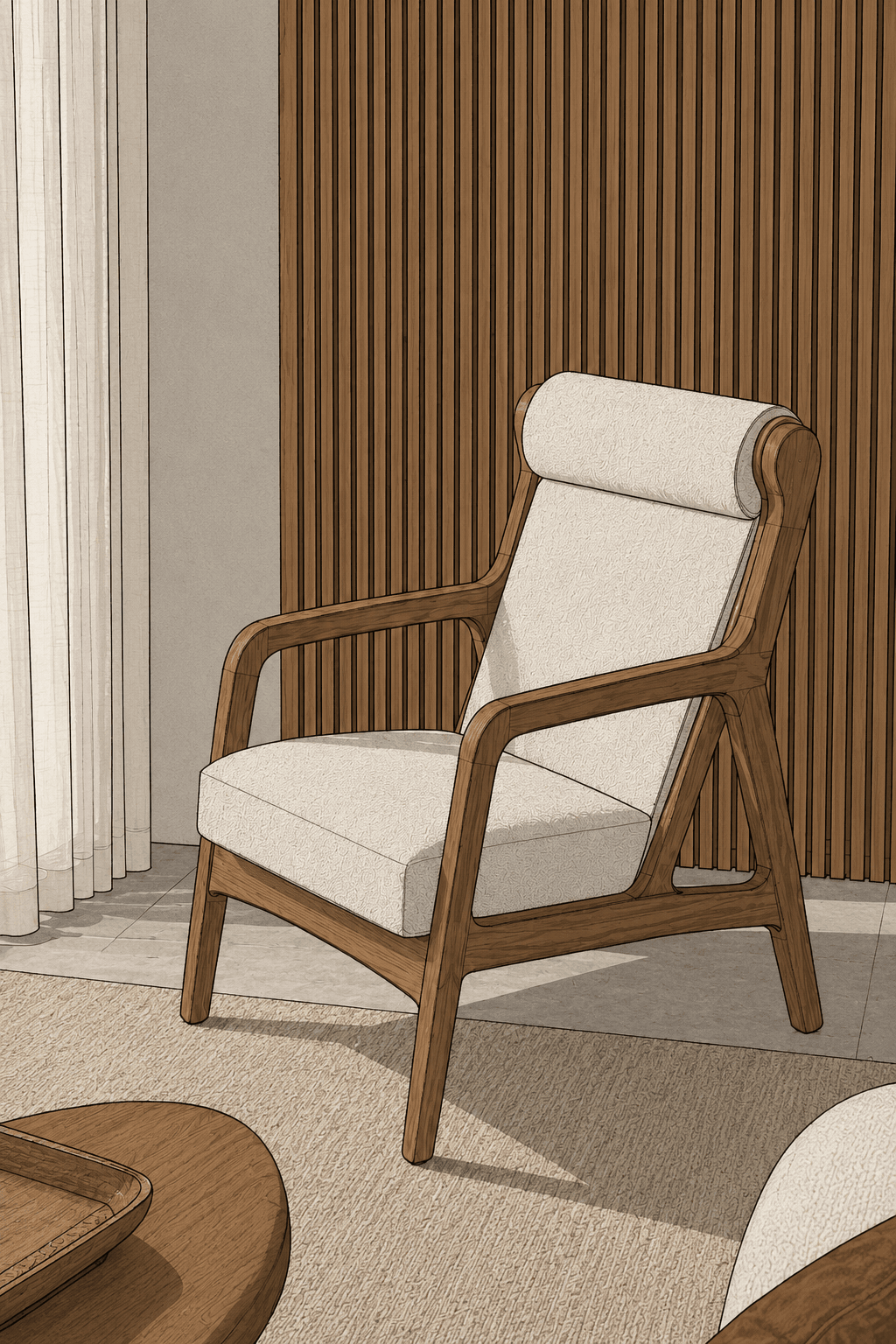
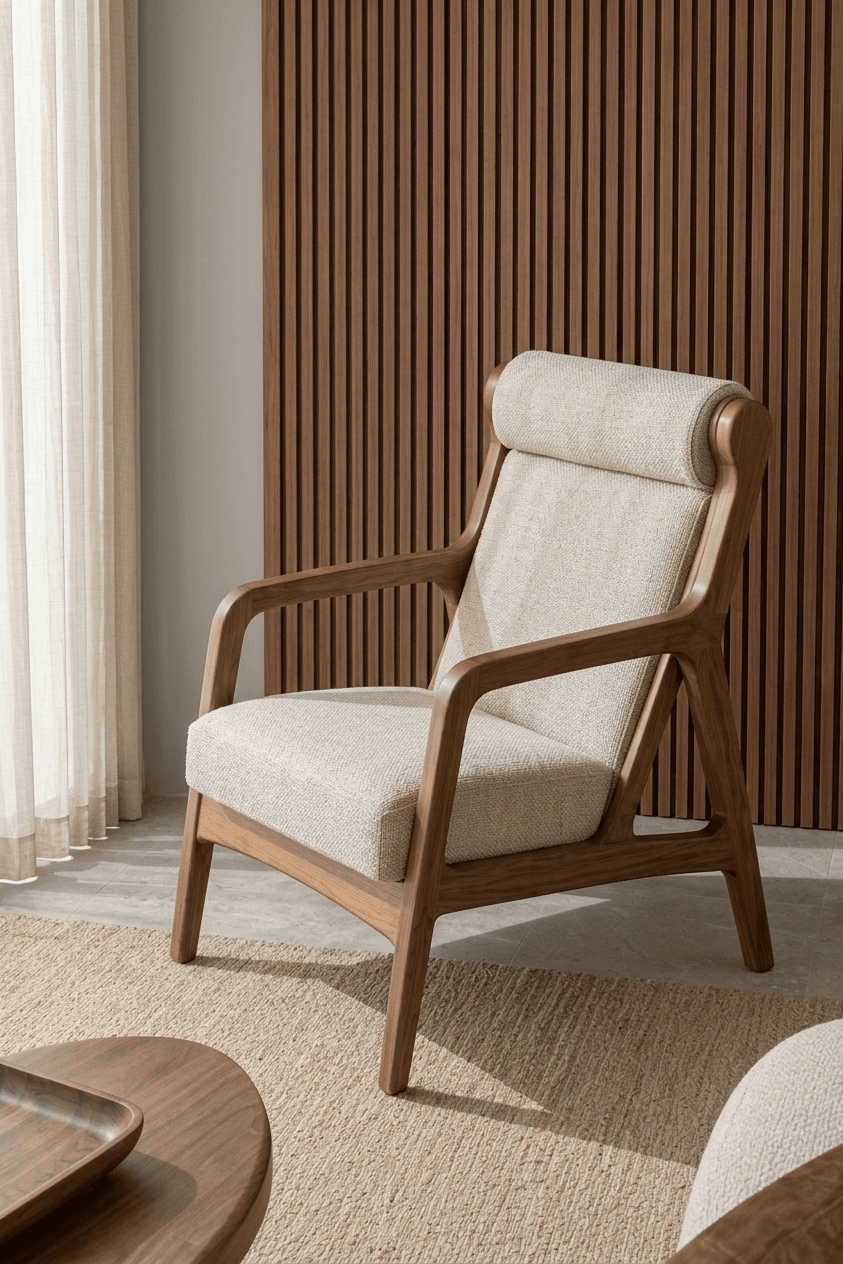
Available for the main software you already use
Made with Collection
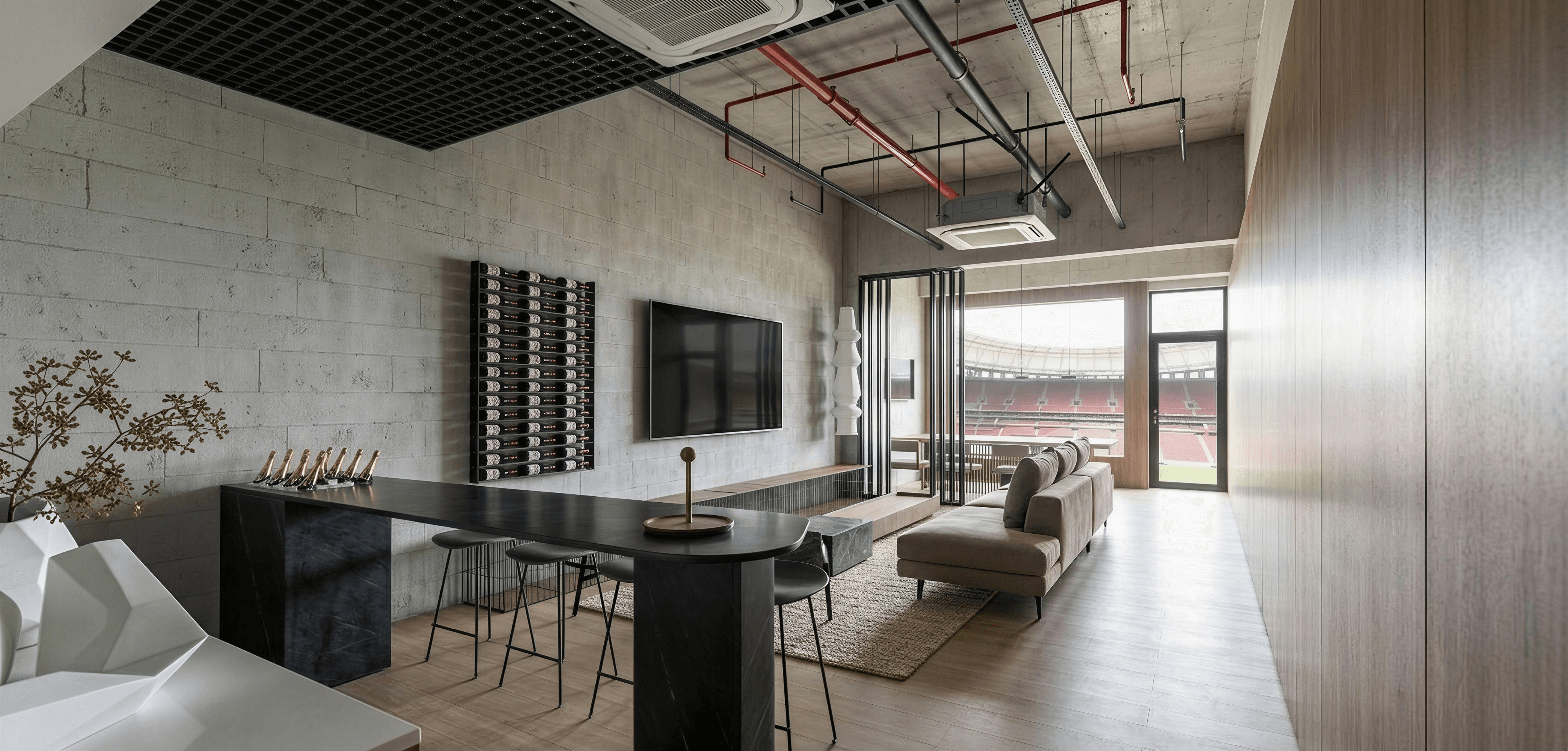
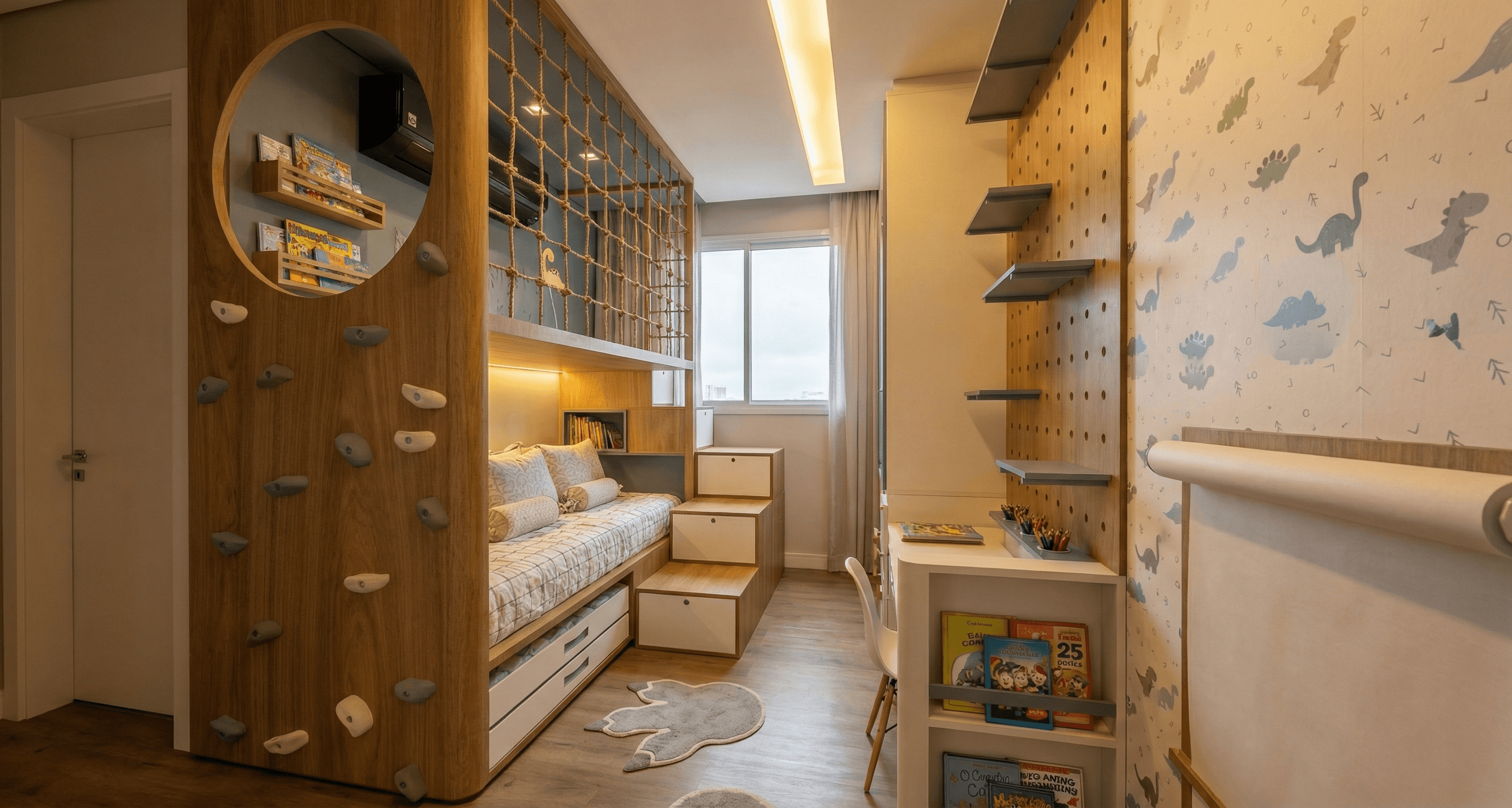
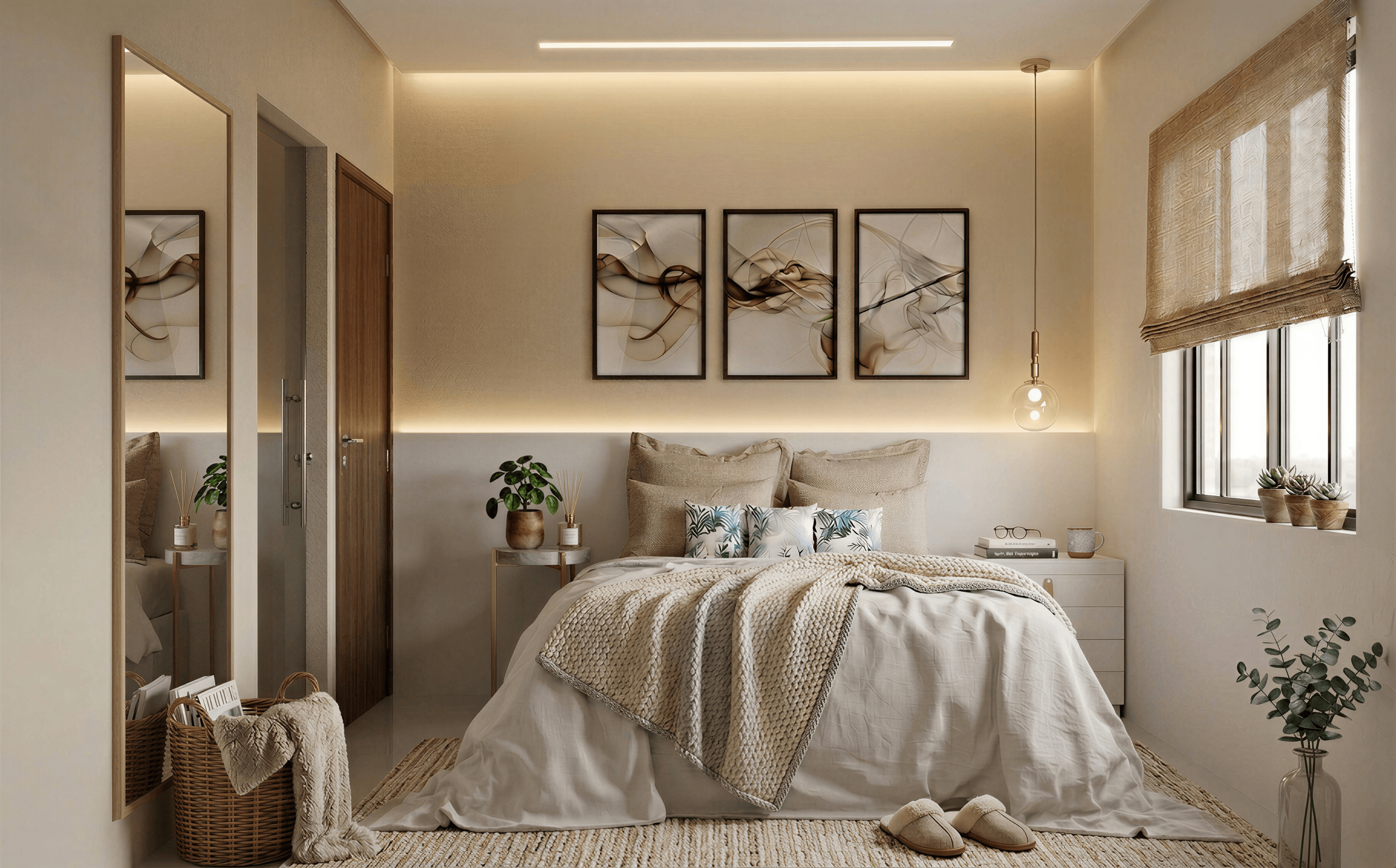
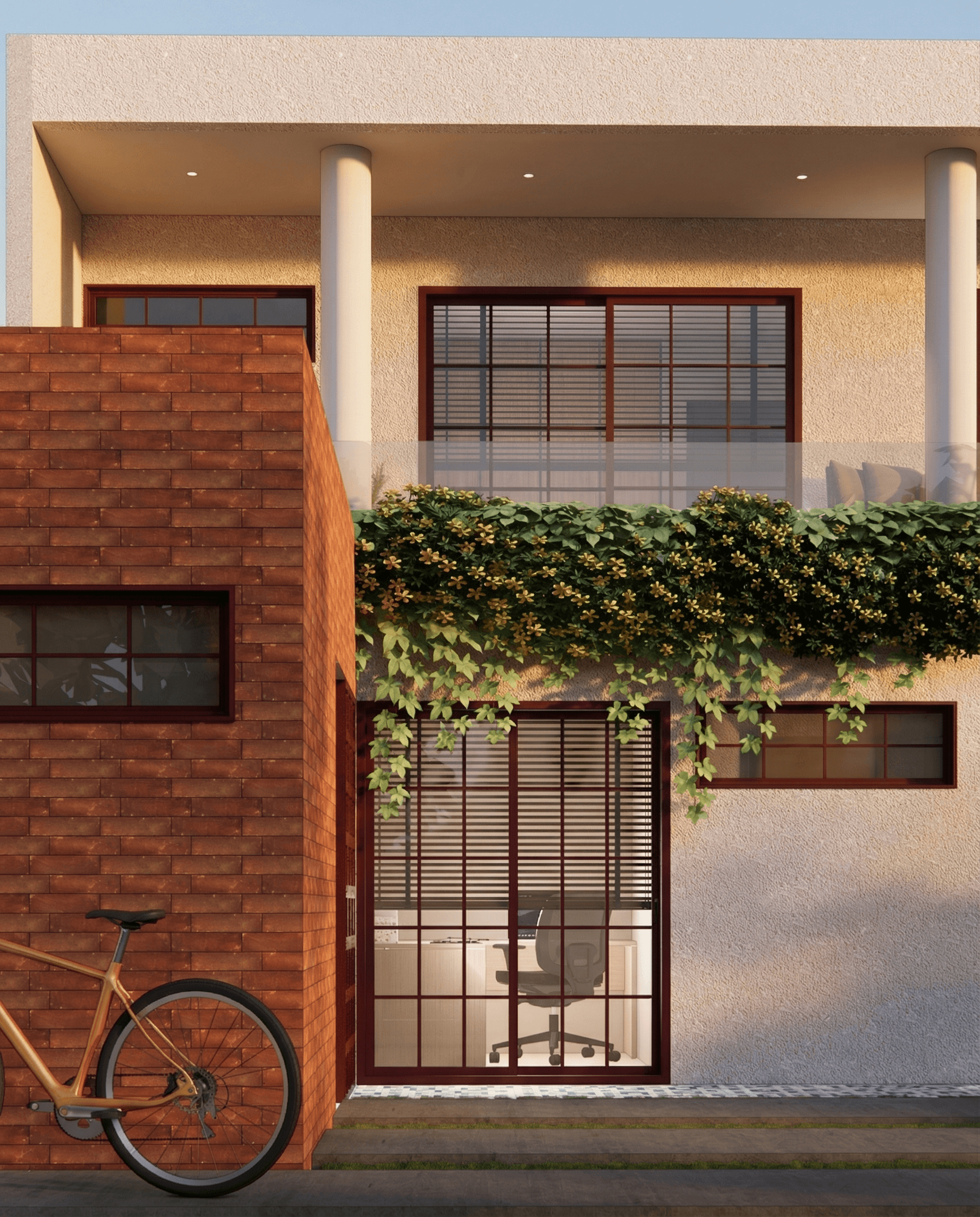
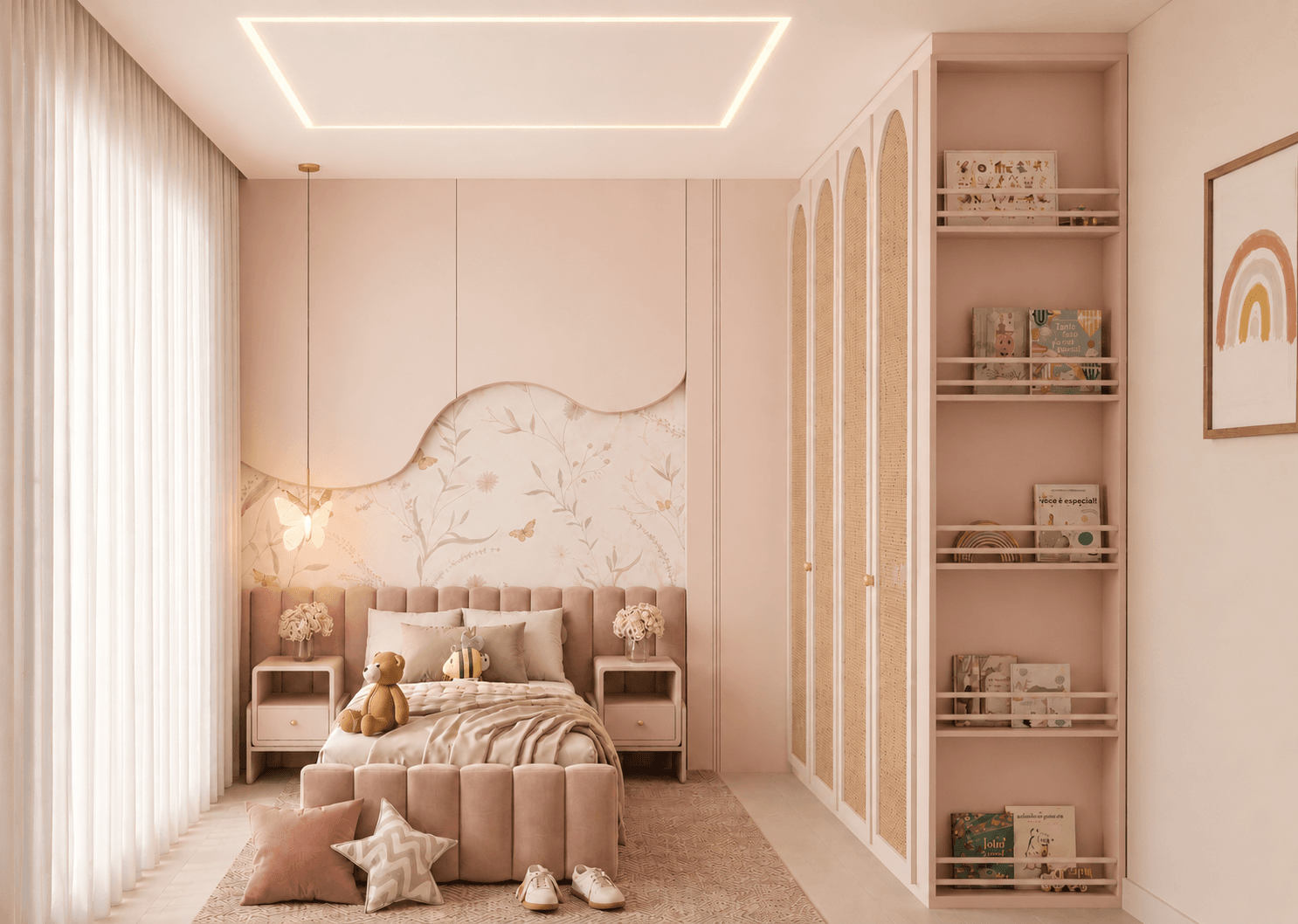
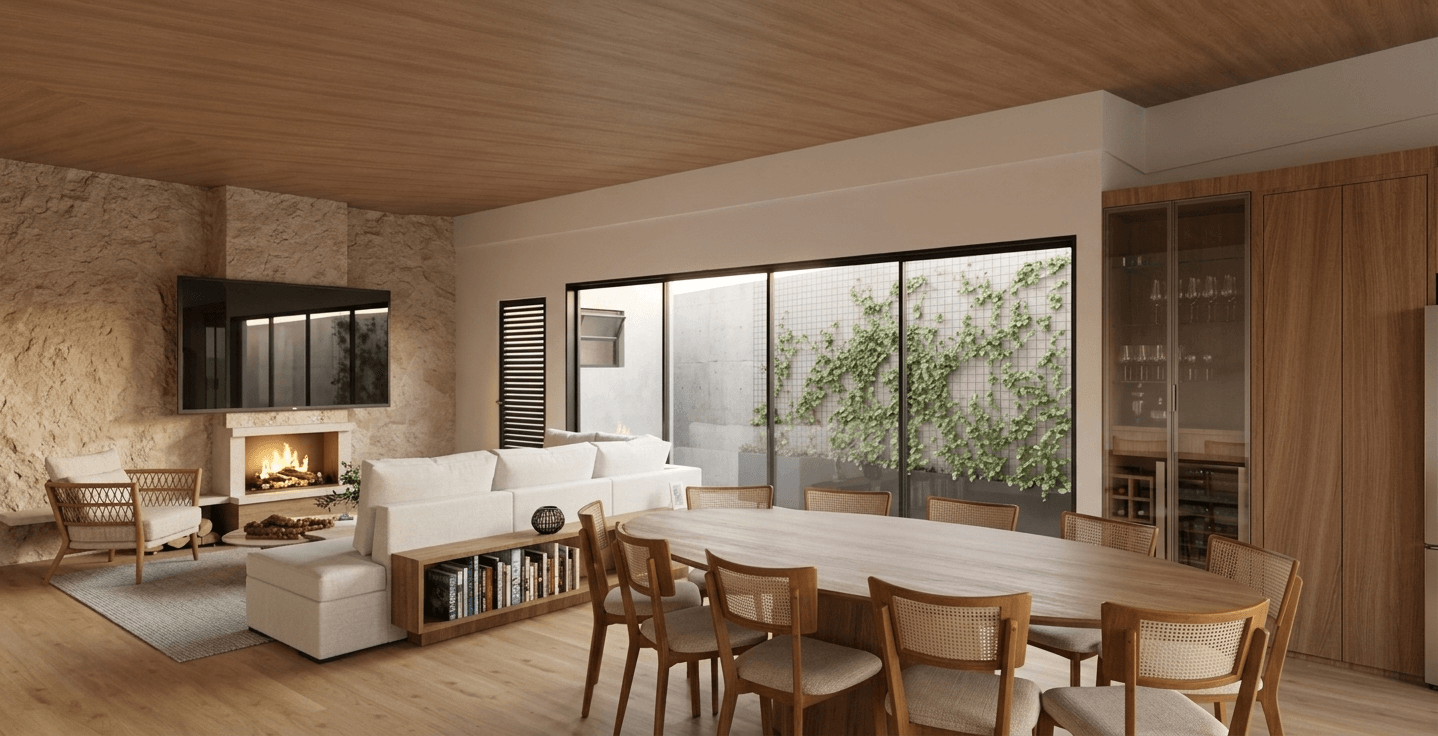
The plugin of choice for those who design memorable projects
"I discover new trends every day with Collection. Beyond being an incredible tool, it’s a real window into what’s hot in architecture. Essential for anyone who wants to make jaw-dropping projects and stay on top of everything!"

Luana Dias
Architect
FAQ
Questions from people about to download
Do I need to subscribe to download?
What exactly does free include?
Does it work with my V-Ray? And with Enscape?
Does it slow down SketchUp? Do I need internet?
Are there 3D blocks too?
What about Revit or ArchiCAD?